Why Your Product Photos Look Flat on Instagram(and How to Fix Them Without a Studio)
The five reasons store product photos underperform on social media, with fixes at every budget from free to AI-generated scenes.

Qusai
Founder & CEO
Product photos usually look flat on Instagram for five reasons: harsh or mixed lighting, no context around the product, the wrong crop for the format, the same white background on every post, and no sense of scale or human presence. All five are fixable without hiring a photographer or renting a studio, and most of the fixes cost nothing but attention.
The frustrating part is that your photos are probably fine for your store. Listing photos and social photos are different jobs. A listing photo answers "what exactly am I buying?" A social photo has to stop a thumb mid-scroll. Clean and clinical wins the first job and loses the second.
Reason 1: the lighting is working against you
Overhead room lighting creates dull, yellowish photos with harsh shadows. Direct flash flattens everything. Mixed light sources (a window plus a warm lamp) confuse your phone's white balance and leave the product looking slightly off in a way viewers feel but cannot name.
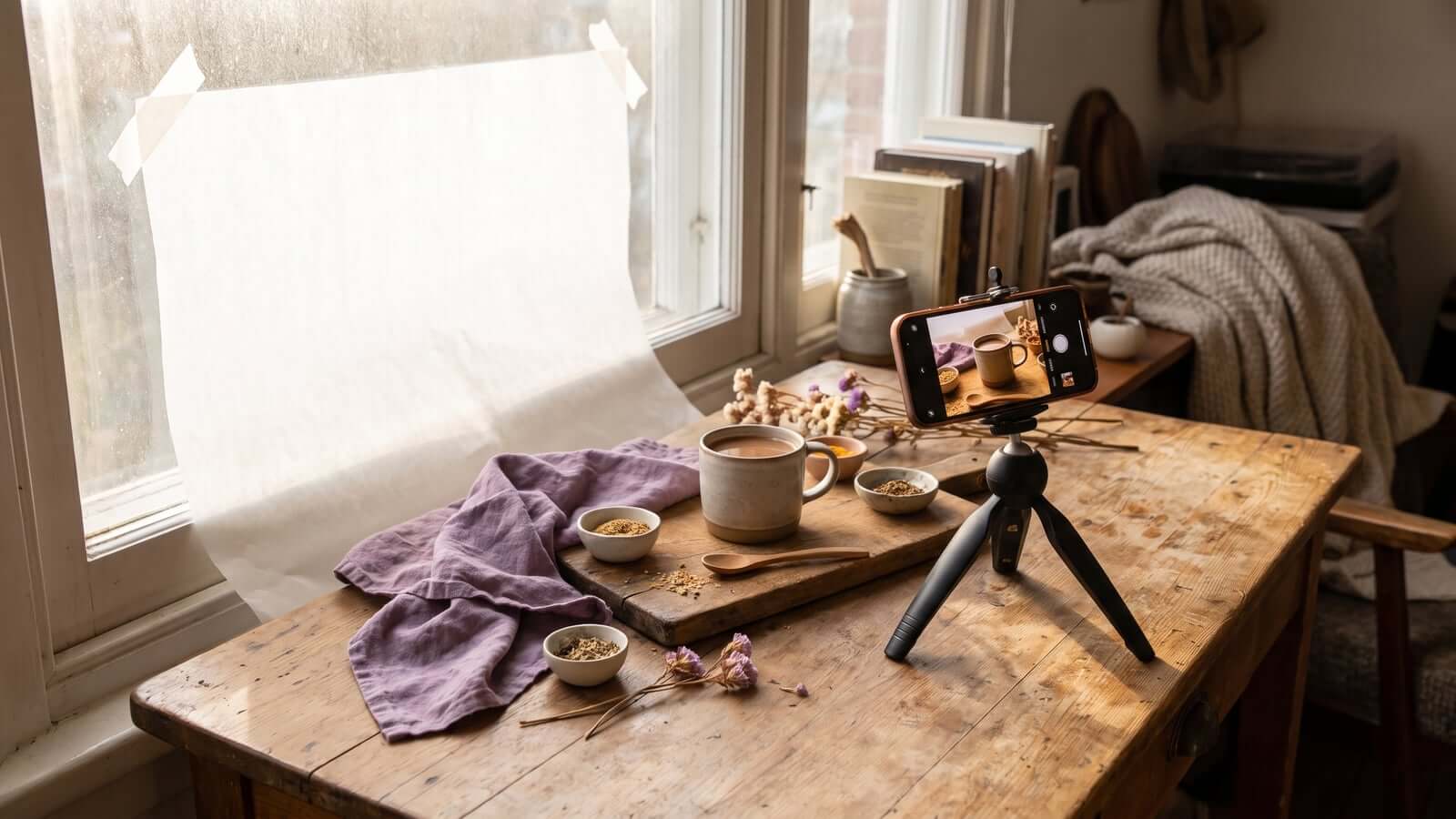
The free fix: shoot next to a window with indirect daylight, with all indoor lights off. Morning or late afternoon light through a window is the closest free approximation of studio lighting that exists. If the light is too strong, tape a piece of baking paper over the window as a diffuser.
Reason 2: there is no world around the product
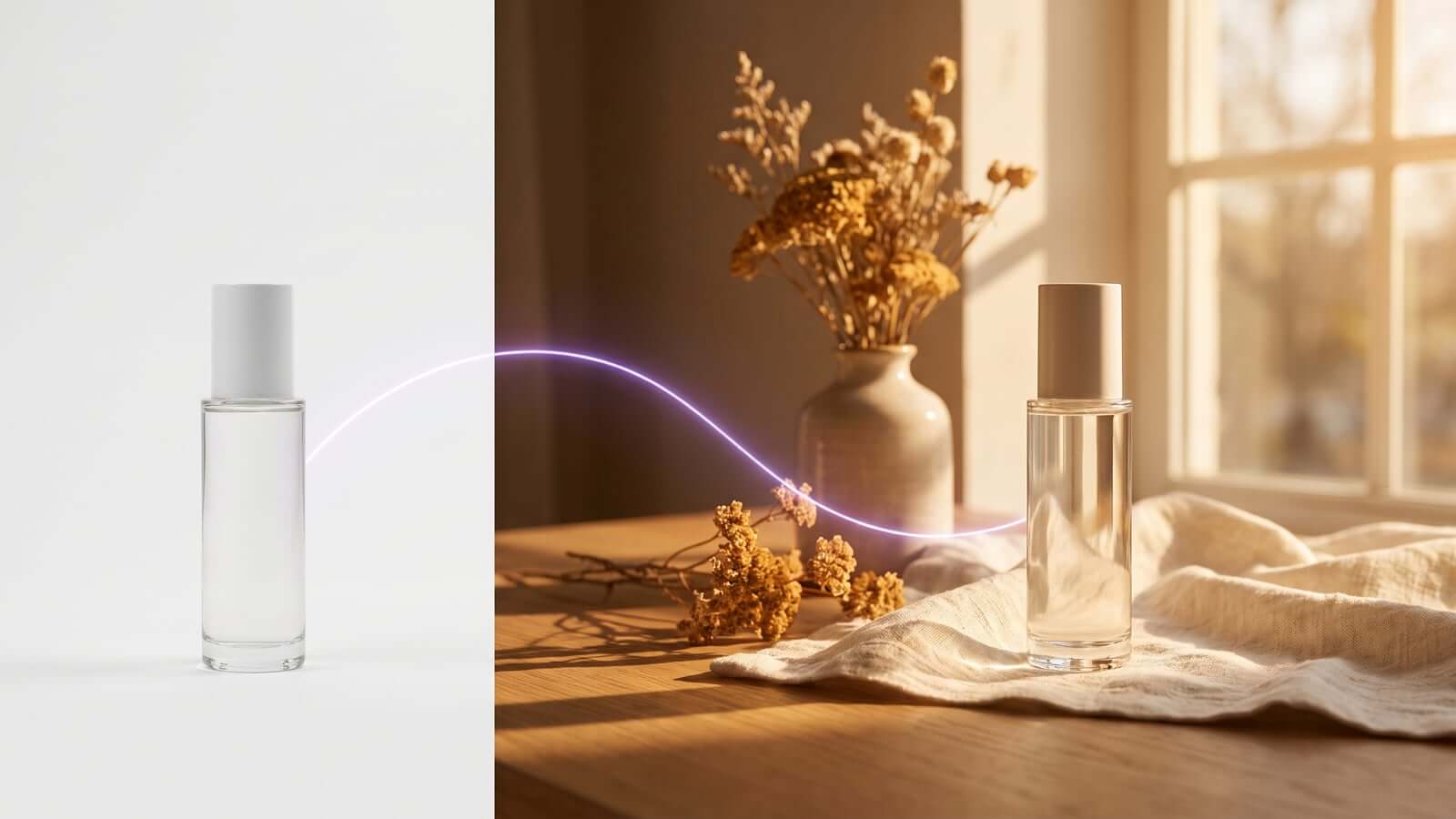
A candle floating on white tells me nothing. The same candle on a wooden shelf beside a book and a coffee cup tells me where it lives, what mood it creates, and whose home it belongs in. Context is what turns a product photo into a lifestyle photo, and lifestyle photos are what perform on social media.
The free fix: build one small "set" somewhere in your home: a corner of a table near the window, with two or three props that match your brand. Shoot every product there. The consistency doubles as a brand look.
Reason 3: the crop fights the format
Instagram's feed favors 4:5 portrait. Stories and Reels are 9:16. A square or landscape photo posted into those formats either gets cropped by the platform (often badly, cutting the product) or floats small inside empty space. Either way it reads as less professional than it is.
The free fix: frame wider than feels natural when you shoot, leaving room above and below the product. One wide master shot can then be cropped cleanly into 4:5 for feed and 9:16 for stories, instead of forcing one crop to do both jobs.
Reason 4: every post is the same white background
White-background shots are correct for your product listings. But a feed of them looks like a catalog page, and people do not follow catalog pages. When every image has identical framing and background, followers' eyes learn to skip your posts entirely. Sameness is the quietest engagement killer there is.
The free fix: rotate three looks: the lifestyle set from reason 2, a close-up detail shot showing texture or craftsmanship, and an in-use shot. Same products, three different visual rhythms.
Reason 5: nothing shows scale or use
Is that vase 10 centimeters tall or 40? Is the tote bag big enough for a laptop? Photos without hands, bodies, or familiar objects leave size and use to the imagination, and uncertainty suppresses both engagement and purchases. Images with human presence consistently outperform product-only shots on social platforms.
The free fix: put a hand in the frame. Holding the mug, adjusting the strap, pouring the oil. You do not need a model or a face, just human presence at product scale.
What if you fixed all five and it still is not sustainable?
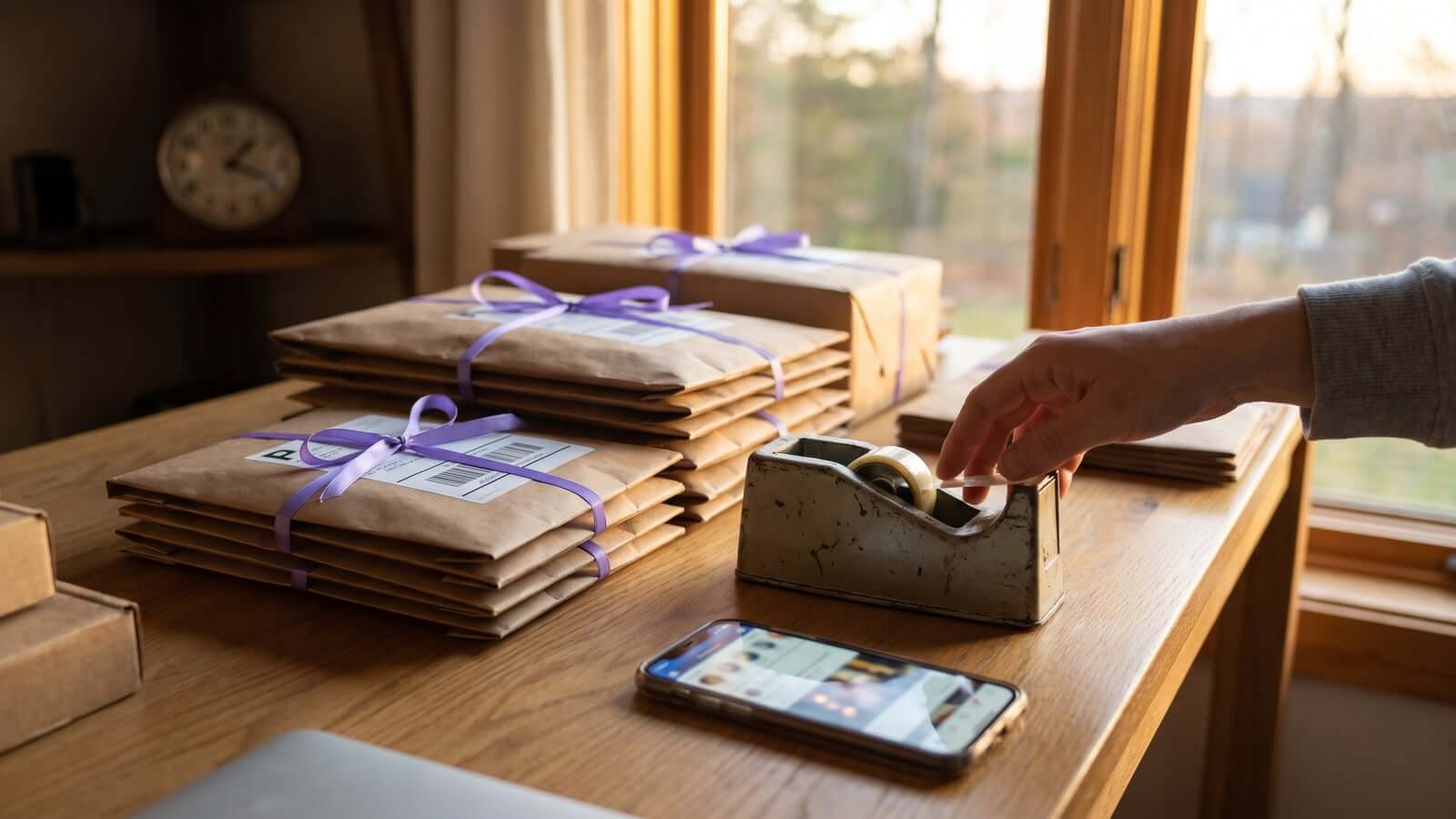
Here is the honest catch. Everything above works, and each fix is simple on its own. The hard part is doing it for every product, every week, forever. The shoot, the edit, the crops for each format, multiplied across a catalog. This is exactly where most store owners quietly give up, and it is a time problem rather than a skill problem. We wrote about the time side separately in No Time for Social Media?.
For the production side, there is now a third option between "do it all yourself" and "hire a photographer": AI image generation that starts from your existing product photos. Modern models can take a plain listing photo and re-render the product inside a styled scene, with proper lighting, context, correct crops for each format, and even a hand or model where the shot calls for it. In other words, they apply the five fixes above automatically. That is the approach Trigglo takes for WooCommerce stores: it pulls products from your catalog and generates social-ready scenes from the photos you already have. We explain how that works, including its limits, in AI Product Content Generation for WooCommerce.
Whether you go manual or AI, the standard is the same. The photo should make someone pause, understand the product's place in their life, and trust that a real store stands behind it.
A 30-minute audit you can run today
Open your Instagram grid and score your last nine posts against the five reasons:
- Is the lighting soft and natural, or harsh and yellow?
- Does the product live in a scene, or float on white?
- Is the crop native to the format, or fighting it?
- Do three consecutive posts look identical?
- Could a stranger tell the product's size and use?
Frequently Asked Questions
Why do my product photos get no engagement on Instagram?
The most common causes are clinical white-background shots with no context, poor lighting, and visual sameness across posts. Lifestyle framing, natural light, and varied shot types typically improve engagement without any new equipment.
Do I need a professional camera for product photography?
No. Any recent phone camera is sufficient for social media product photos. Lighting, styling, and cropping have far more impact on the result than the camera does.
What size should product photos be for Instagram?
Use 4:5 portrait (1080 by 1350 pixels) for feed posts and 9:16 (1080 by 1920 pixels) for Stories and Reels. Shooting one wider master image and cropping it for each format is the most efficient workflow.
Can AI improve my existing product photos?
Yes. Current AI image tools can place a product from a plain listing photo into a styled, well-lit scene and output the right crop for each platform. The product itself should remain recognizable, so check that details, colors, and labels survived generation before posting.
Get Better Product Posts From Your Catalog
Get monthly notes on AI-generated product images, videos, captions, and social auto-posting through a content calendar.
No spam, ever. Unsubscribe anytime.