Your First Week With Trigglo: From Connecting Your Store to Your First Auto-Post
A day-by-day walkthrough of the 7-day trial: connecting WooCommerce, reviewing your first AI-generated posts, and going live.

Qusai
Founder & CEO

Your first week with Trigglo follows a predictable arc: on day one you connect your WooCommerce store and social accounts and your catalog syncs in, within the first day or two you review a first batch of AI-generated posts made from your own products, you choose whether Trigglo publishes automatically or waits for your approval, and by the end of the week your first posts have gone live on a schedule. The trial is 7 days, uses the full product, and requires no credit card.
This is a walkthrough of that week, including the decisions you will make and the things worth checking along the way. No surprises is the goal.
Day 1: connect the store and the socials
Setup is three connections.
Your WooCommerce store. You enter your store's URL and approve the connection in your WordPress admin. That is the whole integration; there is no plugin to install for content generation. Once approved, your product catalog starts syncing: names, descriptions, prices, and photos.
Your social accounts. You connect Facebook and Instagram through Meta's standard authorization flow, and TikTok and Pinterest through their own. Trigglo can only post to accounts you explicitly authorize, and you can disconnect any of them at any time.
Nothing else. There is no content strategy questionnaire or brand-guideline upload standing between you and output. The catalog is the brief.
A practical note for day one: sync speed depends on catalog size. A 50-product store syncs in minutes. If you sell 2,000 products, give it a little longer before wondering whether something is wrong.
Day 1 to 2: your first generated batch
Soon after your catalog is in, Trigglo generates a first batch of posts from your actual products: styled product images built from your existing listing photos, with captions and hashtags to match. This batch exists for one reason: so your first judgment of Trigglo is based on evidence, not marketing. Nothing in it is published anywhere yet.
Look at it critically. Three things are worth checking, in order:
This review moment ends with the most important decision of the week.
The one real decision: Autopilot or Review First
Trigglo runs in one of two modes, and you pick based on the batch you just saw.
Autopilot publishes generated posts on schedule automatically. Every Friday you get a digest email showing what went out and a preview of what is coming. This is the default mode, and it is the one that matches the reason most people sign up: the store posts without you carrying it.
Review First holds every post for your approval in the content calendar. You get a weekly preview email and approve with one click. Nothing publishes without your say-so.
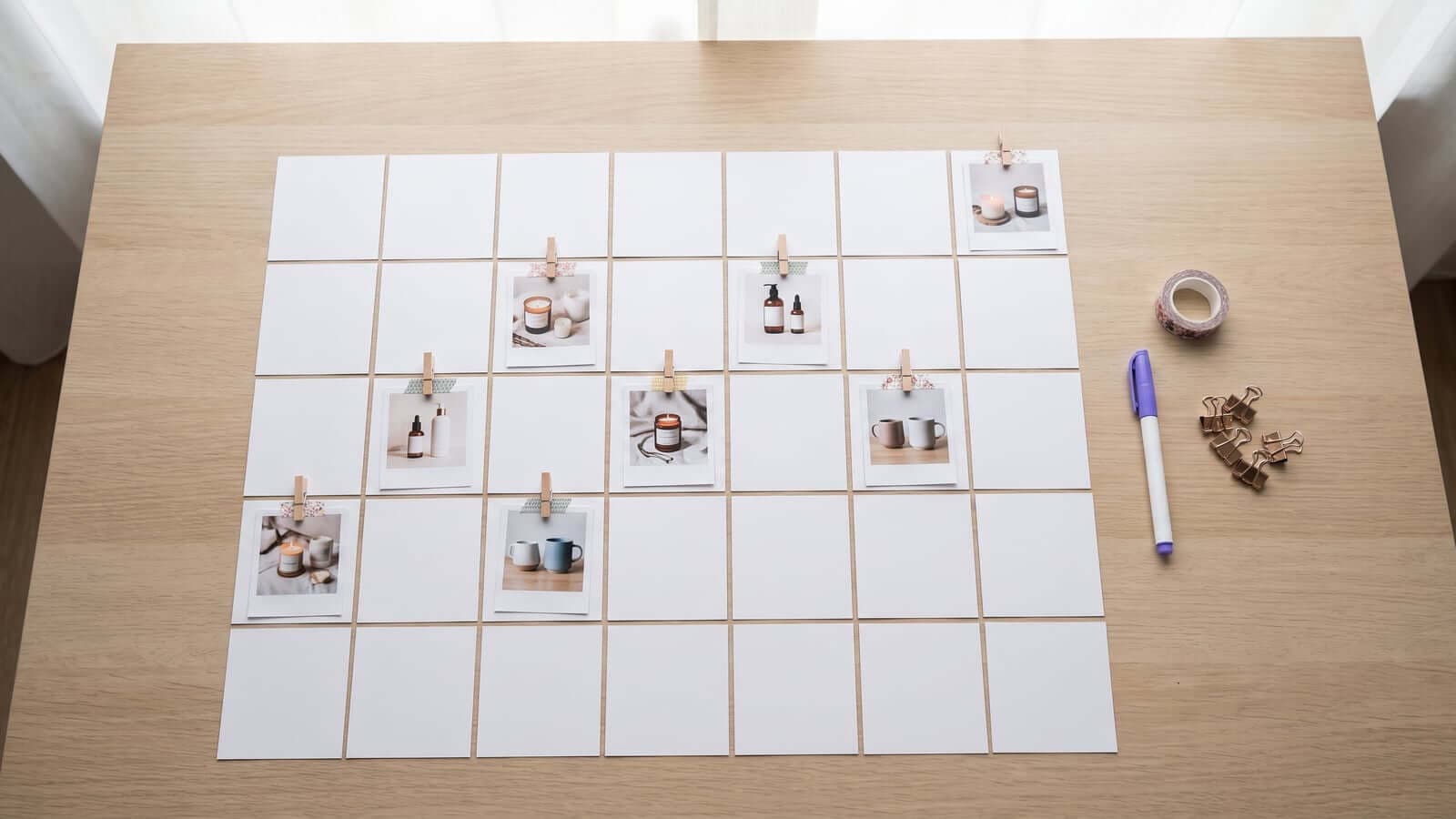
There is no wrong answer, and the setting is not permanent. A common pattern: start in Review First, watch a week or two of output, then flip to Autopilot once approving stops feeling necessary. The calendar itself, where you see every upcoming post with its image, caption, platform, and time, is covered in detail in our content calendar guide.
Day 2 to 6: the rhythm starts
With a mode chosen, the week runs itself. Posts go out on their schedule. In the dashboard you can watch the pipeline: what published, what is scheduled next, what is being generated.
Things worth doing during these days, none of them required:
- Redo anything you are lukewarm on. Redos come out of your monthly photo allowance, the same as first generations, so be deliberate rather than compulsive. The full allowance math is in Trigglo Pricing Explained.
- Mark the generations you love. That signal teaches your store's taste, and future generations drift toward it.
- Check your feeds on your phone. Posts should look native to each platform: 4:5 in the Instagram feed, full-height in Stories. Seeing your own products styled in your own feed is usually the moment the product clicks.
Day 7: the honest evaluation
At the end of the trial, judge it on one question: did content you would stand behind go out consistently without you producing it? Not "was every image perfect", because no generation is, and the redo exists for a reason. The bar is whether the routine layer of your social presence now runs itself at a quality you accept.
If yes, plans start at $29 a month (the full breakdown is in Trigglo Pricing Explained), and subscribing takes a Stripe checkout; there is no card on file from the trial and nothing converts automatically. If no, the trial cost you nothing and you keep the sharper sense of what you actually need, whether that is a scheduler, a human, or nothing yet. We compared those paths honestly in Trigglo vs Buffer vs Hootsuite.
Either way, start the week with a store you care about connected. Judging Trigglo on your own products is the entire point of the trial. You can start it here.
Frequently Asked Questions
How long does it take to set up Trigglo?
Connecting a WooCommerce store and your social accounts takes a few minutes, and a typical catalog syncs shortly after. Most users see their first generated posts within the first day.
Does Trigglo post anything during the trial without permission?
No. Your first generated batch is shown to you before anything is published, and you explicitly choose between automatic publishing and approve-every-post mode before posting begins.
Do I need a credit card for the Trigglo trial?
No. The 7-day trial requires no card, and it does not convert into a paid subscription automatically. Subscribing is a separate, deliberate step through Stripe checkout.
What do I need before starting the trial?
A WooCommerce store with products and photos in it, plus admin access to the Facebook, Instagram, TikTok, or Pinterest accounts you want to post to. Better listing photos lead to better generated scenes, but ordinary product photos work.
Get Better Product Posts From Your Catalog
Get monthly notes on AI-generated product images, videos, captions, and social auto-posting through a content calendar.
No spam, ever. Unsubscribe anytime.