How to Build a Social Content Calendar from Your WooCommerce Catalog
A practical guide to reviewing, approving, and scheduling AI-generated product posts from one social content calendar.

Qusai
Founder & CEO
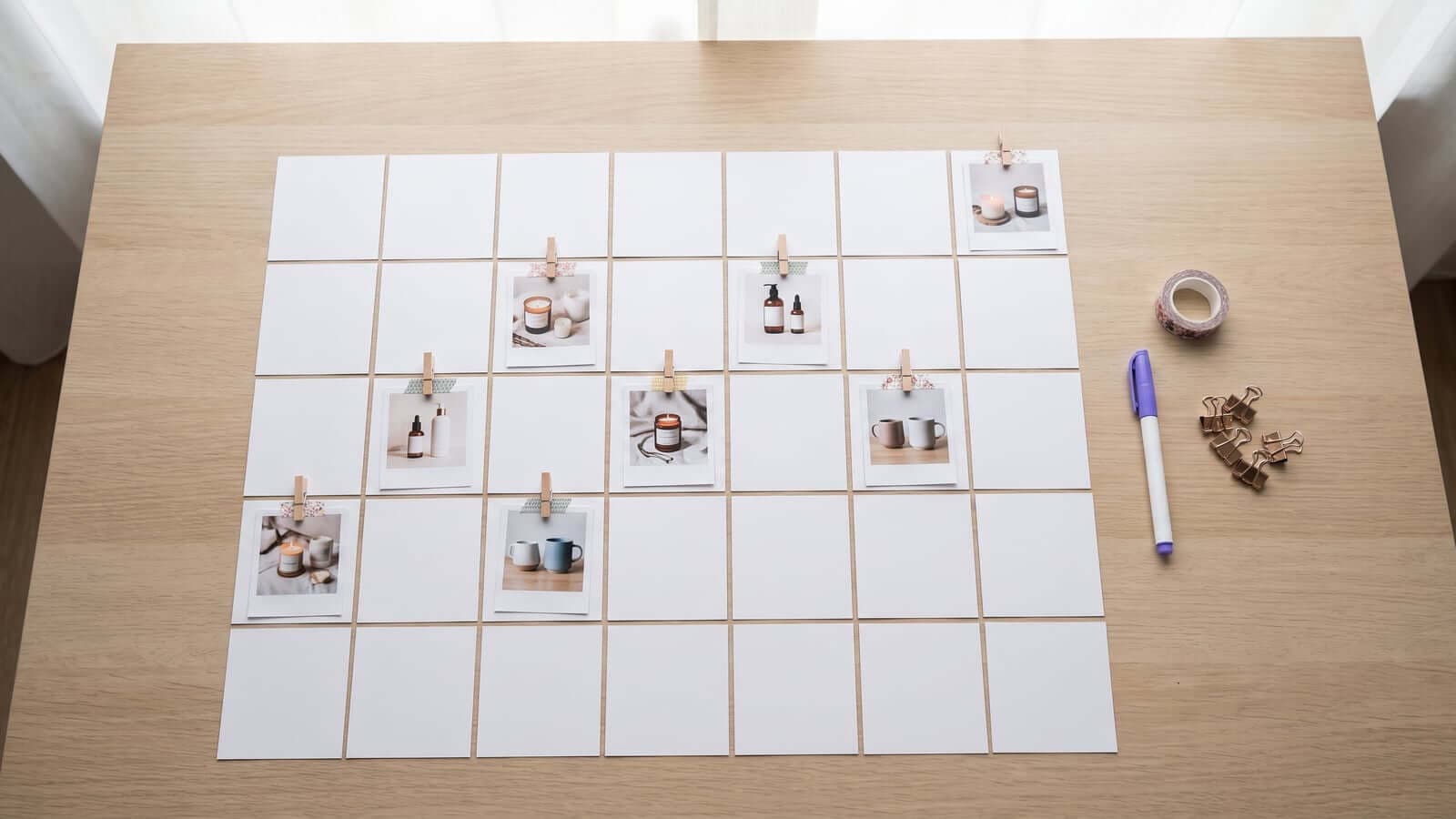
A social content calendar is the second half of what Trigglo does.
The first half is AI content generation: product images, videos, captions, and hashtags from your WooCommerce catalog. The second half is turning that generated content into a steady posting schedule across Instagram, Facebook, TikTok, and Pinterest.
That calendar is where you stay in control.
Why the Calendar Matters
AI can generate content quickly, but speed alone is not the goal. Store owners still need a place to review what is about to go live.
A good calendar answers five questions:
- What product is this post about?
- Which image or video will publish?
- What caption will go with it?
- Which social channel will receive it?
- When will it go live?
Start with a Weekly Rhythm
Most stores do not need an elaborate publishing plan. They need a rhythm they can keep.
A simple weekly calendar might include:
- One product spotlight
- One best-seller post
- One new-arrival post
- One product video
- One post that explains a product benefit
Generate Before You Schedule
The calendar works best when content generation comes first.
Instead of manually adding blank calendar slots and then trying to fill them, Trigglo starts with your products. AI generates the image or video, writes the caption, adds hashtags, and places the draft into the calendar.
That means each calendar item already has a real piece of content attached.
Review Each Draft
Before approving a post, check four things.
The Product
Make sure the content is about the right product and that the product is recognizable.
The Visual
For images, look for clear composition and a product-focused scene. For videos, look for quick visual clarity and a format that makes sense for social scrolling.
The Caption
The caption should sound natural, explain the product clearly, and avoid sounding like generic filler.
The Channel
Some posts are better for image-first feeds. Others work better as vertical video. The calendar should make it easy to see where each post is going.
Approve, Edit, Regenerate, or Skip
The calendar should not force every AI draft into the queue. A useful workflow gives you options.
Approve the posts that are ready.
Edit captions when the idea is right but the wording needs your voice.
Regenerate content when the visual is close but not strong enough.
Skip posts that do not fit your store.
That is the balance: automation does the heavy lifting, but you still decide what represents the brand.
Set Platform Schedules
Once a post is approved, the calendar handles publishing.
You can use a simple schedule:
- Instagram: product images and Reels
- Facebook: product posts with clear captions
- TikTok: vertical product videos
- Pinterest: product photos that link back to the product page
Keep the Workflow Lightweight
The calendar should save time, not become a new dashboard you have to babysit.
A practical review routine looks like this:
For many stores, that is enough to keep social channels active without spending hours creating content manually.
What Trigglo Does
Trigglo is intentionally focused on two jobs:
That is the full loop. Products come in, AI content is generated, the calendar gives you control, and approved posts go live.
The Bottom Line
The calendar is where AI content becomes a real publishing system.
Without it, generated images and videos can sit unused. With it, your WooCommerce catalog can turn into a steady feed of reviewed, approved, scheduled social posts.
Two natural next reads: what the whole first week looks like in practice, in Your First Week With Trigglo, and which seasonal dates deserve a place in your calendar, in The 2026 Ecommerce Holiday Marketing Calendar.
Ready to build your social content calendar? Start your free trial at trigglo.com and generate your first batch of product content.
Frequently Asked Questions
What is a social content calendar for ecommerce?
It is a single view of every planned social post: which product, which image or video, which caption, which channel, and when it publishes. For AI-generated content it doubles as the review step before anything goes live.
Why not just post manually when I have time?
Posting "when there is time" reliably becomes not posting, because content creation loses to orders and support every busy week. A calendar with scheduled, pre-approved content keeps the feed active regardless of your week.
Can I edit AI-generated posts in the calendar?
Yes. Each draft in Trigglo's calendar can be approved as-is, edited (captions especially), regenerated for a different visual, or skipped entirely.
How far ahead should a store schedule social posts?
One to two weeks ahead is a good balance: far enough that busy days do not break the rhythm, close enough that content stays current with stock and seasons.
Get Better Product Posts From Your Catalog
Get monthly notes on AI-generated product images, videos, captions, and social auto-posting through a content calendar.
No spam, ever. Unsubscribe anytime.