How to Auto-Post WooCommerce Products to Instagram, Facebook and TikTok
A step-by-step guide to generating WooCommerce product content with AI, reviewing it in a calendar, and auto-posting to social media.

Qusai
Founder & CEO
You can auto-post WooCommerce products to Instagram, Facebook, TikTok, and Pinterest by connecting your store to Trigglo, generating AI product content, reviewing it in a calendar, and approving it for scheduled publishing.
That is the whole loop:
Why Manual Posting Breaks Down
Manual posting sounds simple until you do it every week.
For one product, you might need to create an image, make a video, write a caption, choose hashtags, resize the asset, upload it to each platform, and remember when to publish it.
Now repeat that for several products across multiple social channels.
The hard part is not only pressing publish. The hard part is producing enough good product content to publish consistently.
Step 1: Connect WooCommerce
Start by connecting your WooCommerce store.
Trigglo reads the product context needed for social content:
- Product photos
- Product names
- Descriptions
- Prices
- Categories
Step 2: Connect Social Channels
Next, connect the social channels where approved content should publish.
Trigglo is built around social posting to Instagram, Facebook, TikTok, and Pinterest. Once the accounts are connected, the calendar can show which posts are planned for which channel.
Step 3: Generate Product Content
After the catalog is connected, Trigglo can generate a batch of social content.
Each draft can include:
- An AI-generated product image
- A short-form product video
- A caption
- Hashtags
- A planned social channel
Step 4: Review in the Calendar
Do not skip review.
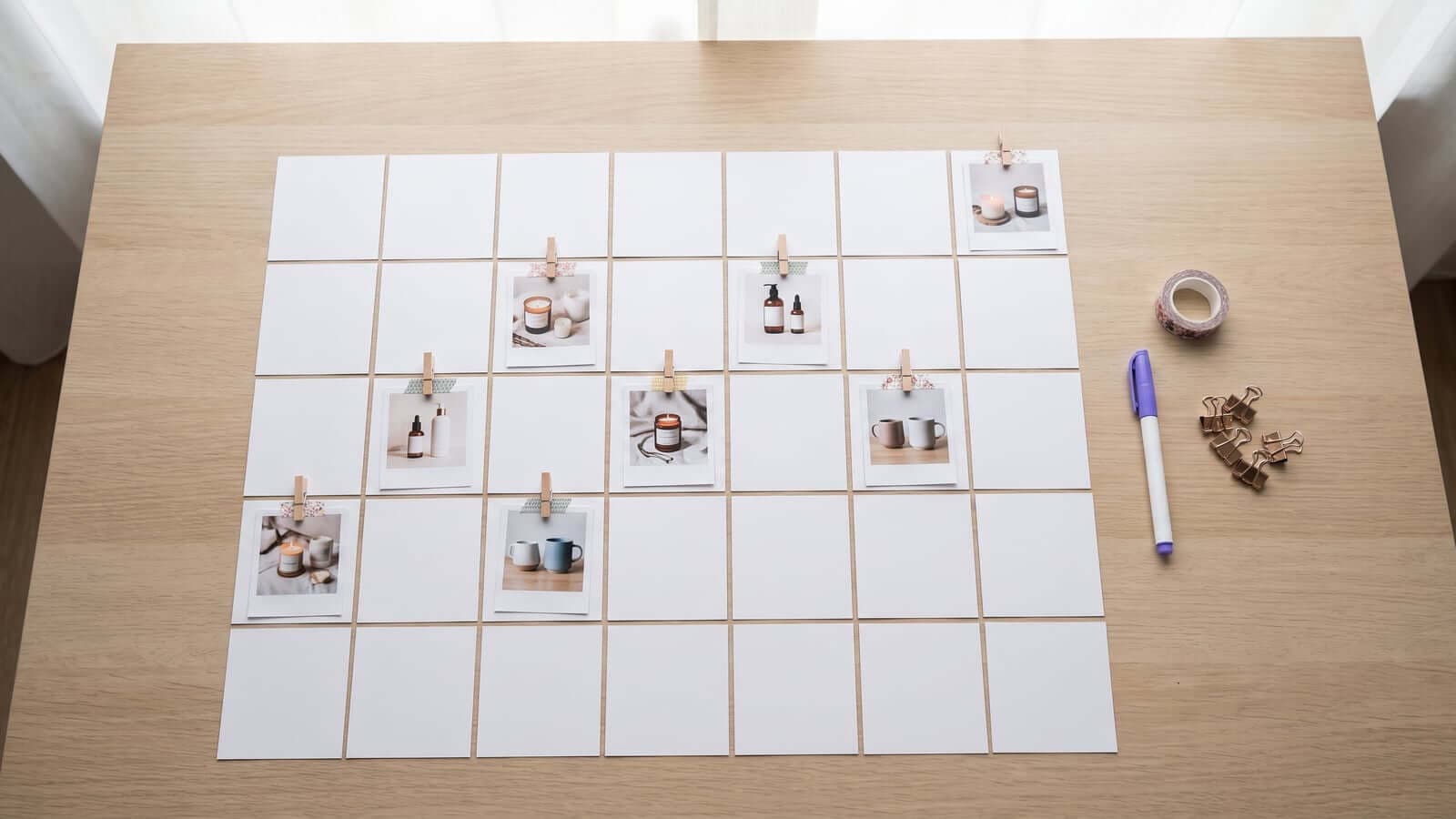
The calendar is where you decide what represents your store. For each draft, you can check the visual, read the caption, and decide what should happen next.
Common actions:
- Approve the post
- Edit the caption
- Regenerate the image or video
- Skip the draft
Step 5: Set the Posting Schedule
Once content is approved, the calendar handles the publishing schedule.
A simple setup might be:
- Instagram: product images and vertical videos
- Facebook: product posts with clear captions
- TikTok: vertical product videos
- Pinterest: product photos that link back to the product page
Step 6: Keep Reviewing Weekly
Auto-posting does not mean ignoring the calendar forever. It means your weekly work becomes smaller and more focused.
Instead of building every post manually, your job is to review generated content and approve what should go live.
That might take a short weekly check-in:
The rest is handled by the publishing schedule.
What Auto-Posting Should Not Mean
Auto-posting should not mean posting low-quality content without review.
It should not mean giving up control of your brand voice.
It should not mean adding a large, unrelated marketing system when all you need is product content and social publishing.
The useful version is narrower: AI generates product content, and the calendar publishes approved posts.
What Trigglo Does
Trigglo does two jobs for WooCommerce stores:
That is why the workflow is easier to keep up with. You are not starting from a blank page, and you are not uploading every post by hand.
Getting Started
Pick a few products and generate a small first batch. Review the posts in the calendar. Approve the strongest drafts. Let them publish on schedule.
Once that loop works, expand the schedule slowly.
The goal is a social feed that stays active because your catalog is doing more of the work.
If you want to know exactly what those first days look like before you start, we wrote a day-by-day walkthrough in Your First Week With Trigglo, and the plans and allowances are laid out in Trigglo Pricing Explained.
Ready to auto-post your WooCommerce products? Start your free trial at trigglo.com and review your first AI-generated content batch.
Frequently Asked Questions
Can WooCommerce products be posted to Instagram automatically?
Yes, through tools that connect to your catalog. Trigglo syncs your WooCommerce products, generates the image and caption with AI, and publishes to Instagram on a schedule you control.
Do I need separate content for Instagram, Facebook, and TikTok?
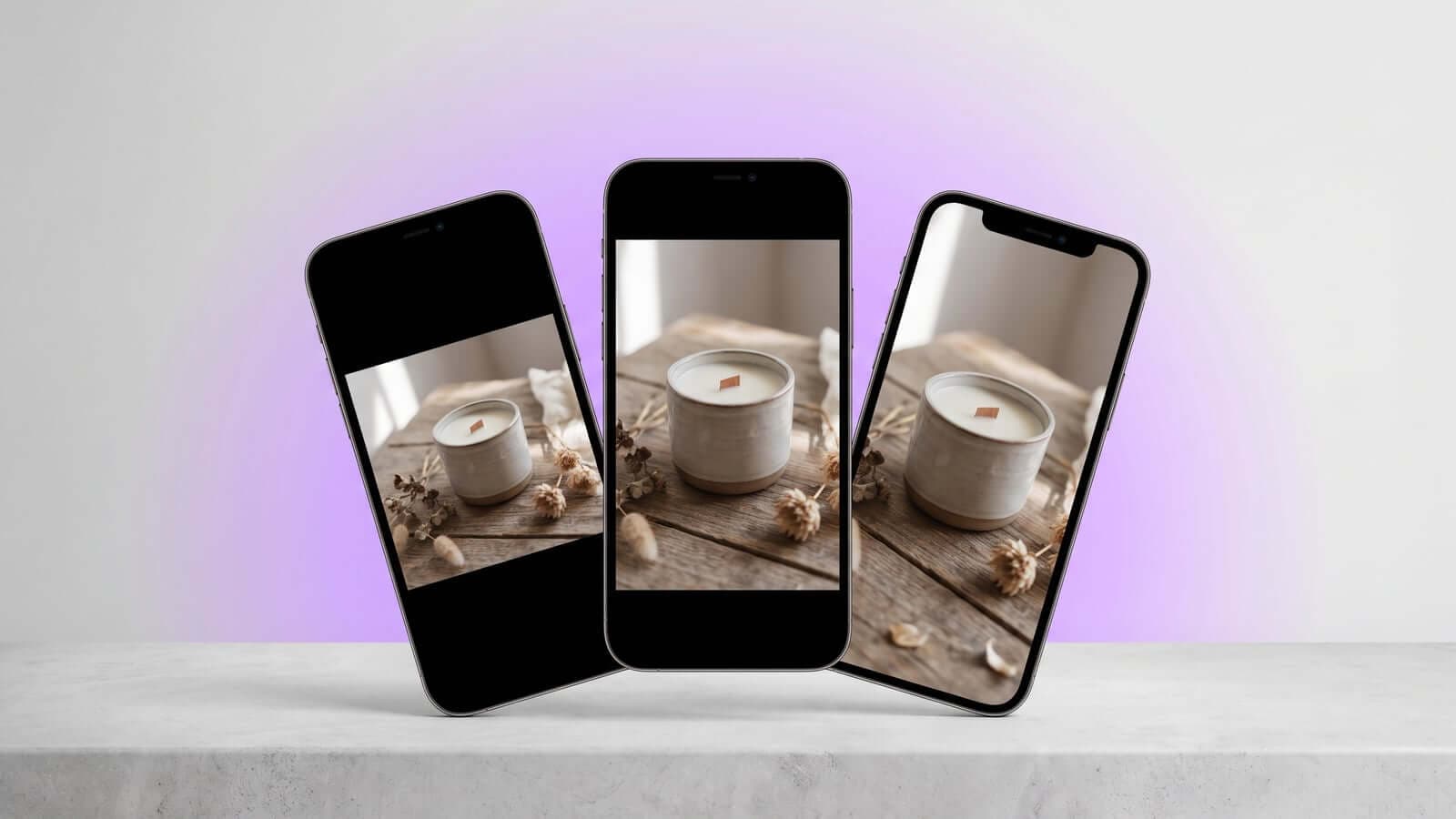
The message can be the same, but formats differ: Instagram feed favors 4:5 images, while Stories, Reels, and TikTok want 9:16 vertical, and Pinterest favors tall 2:3 pins. Tools that generate the right format per channel remove the manual resizing step.
How often should auto-posted product content go out?
Two to four posts a week per channel is a sustainable baseline for most stores. Consistency matters more than volume, so pick a schedule that can run indefinitely.
Do I have to approve every post before it publishes?
That is up to you. Trigglo offers a review-first mode where every post waits for approval, and an autopilot mode where quality-checked content publishes automatically with a weekly digest of what went out.
Get Better Product Posts From Your Catalog
Get monthly notes on AI-generated product images, videos, captions, and social auto-posting through a content calendar.
No spam, ever. Unsubscribe anytime.